How patients search for a dentist
Dental searches fall into a few groups, and each group needs its own ads and its own page. Urgent searches come from people in pain who want an appointment today. Routine searches cover check-ups, cleanings and family dentists nearby. Planned treatments, such as implants, aligners or veneers, are searched by people who compare clinics, prices and reviews before they book.
Mixing these groups in one campaign hides what each one costs. A patient looking for an emergency dentist late at night and a patient researching implant prices need different ads, different pages and, often, a different budget.
- Urgent: “emergency dentist”, “tooth pain dentist open now”, “broken tooth repair”.
- Routine and family: “dentist near me”, “dental cleaning”, “kids dentist”.
- Planned treatments: “dental implants cost”, “invisalign dentist”, “veneers”.
- Searches to exclude: dental jobs and courses, home remedies, dental supplies.
Campaigns, keywords and negative keywords
We start with Search campaigns split by treatment group, so emergency visits, general dentistry and high-value treatments each get their own budget and reporting. Ad groups inside them follow the actual services: implants separately from crowns, aligners separately from braces.
Match types decide how far Google can stretch a keyword. Broad match can show ads on searches that don’t contain the keyword’s direct meaning, and Google says it should be used with Smart Bidding. A new clinic account with little conversion data is easier to control with phrase and exact match on core treatments, while the search terms report shows what people actually typed.
Negative keywords stop spend on searches the clinic can’t serve: job and training searches (“dental assistant jobs”, “hygienist salary”, “dental school”), home remedies, dental supplies and treatments you don’t offer. Negative keywords don’t match close variants, so singular, plural and synonym forms have to be added separately; our negative keyword generator helps with that.
Depending on country and locality, dentists can also advertise through Local Services Ads, a separate Google product with its own screening.
Google’s health rules that affect dental ads
Under Google’s personalised advertising policy, health is a sensitive interest category, and its definition includes invasive medical procedures such as surgical procedures and injections. A campaign that promotes something in this category can’t use advertiser-curated audiences: no Customer Match lists from your patient database, no remarketing through your data segments, no lookalike segments. Predefined Google audiences are still allowed.
For a clinic, this matters most for implants, oral surgery and injectables. Plan those campaigns around search intent rather than around following people who visited the implants page. Google also excludes users under 18 from personalised advertising of any kind, so ads for children’s dentistry speak to parents.
Prescription drug names are restricted in ads, landing pages and keywords. Google’s non-exhaustive list includes terms such as botox and sevoflurane. In the United States you may use them in ads and on landing pages without certification, but targeting them as keywords requires certification. Campaigns targeting other locations, Dubai included, may not use them in ads or on landing pages, so a Dubai treatment page may need rewording before ads go live.
Landing pages and call tracking
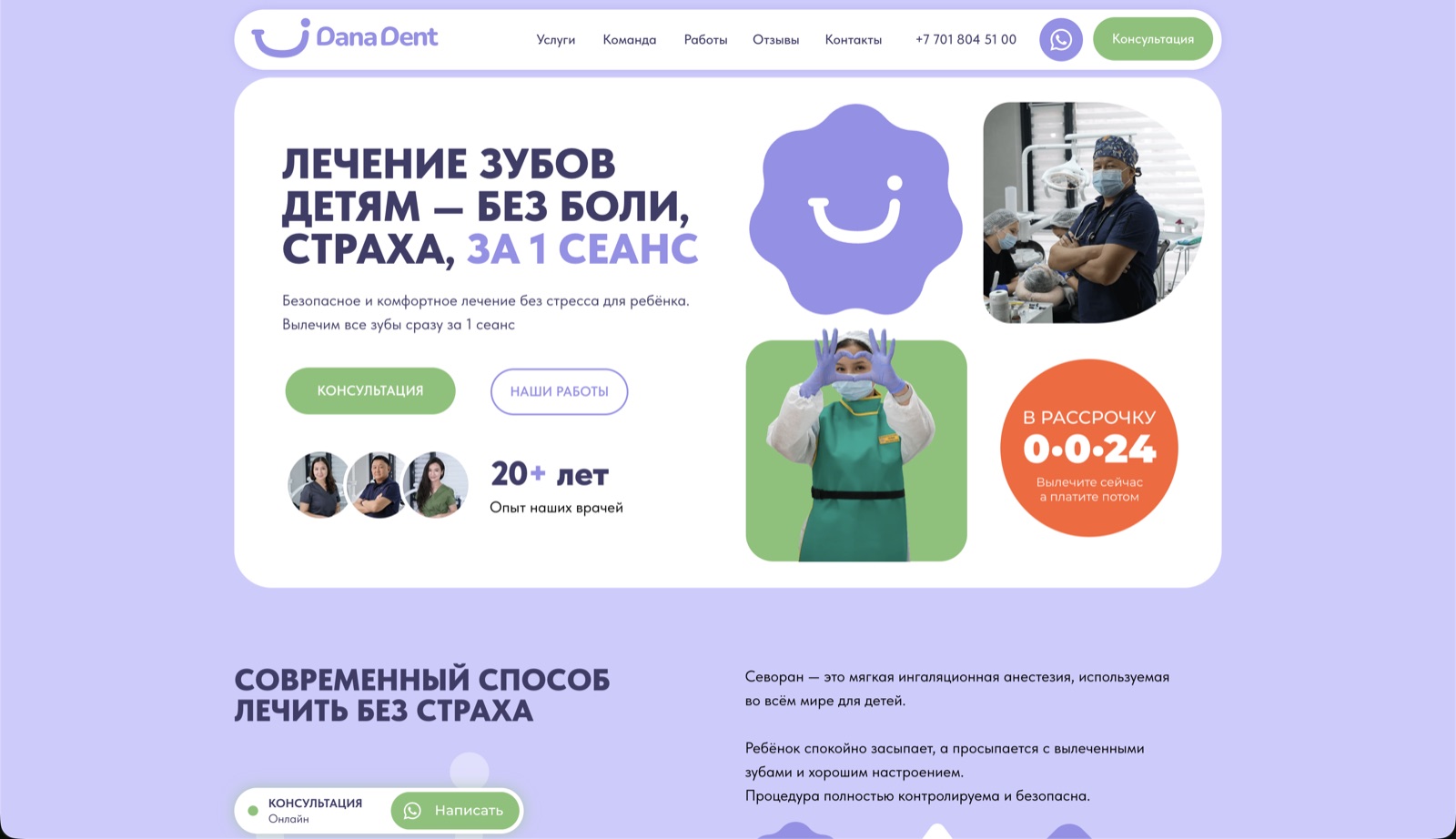
Each treatment group needs a page that continues the ad: what the treatment involves, who carries it out, how pain and anxiety are handled, opening hours, location and how to book. On a phone, the booking form and the call button should be visible without scrolling. For DanaDent, we organised the website around the questions parents ask before booking a child’s appointment.
Many patients call instead of filling in a form. Google Ads can count calls from call assets, calls to a Google forwarding number shown on your website after an ad click, and taps on your number on the mobile site. For call conversions you set a minimum call length, so short calls aren’t counted. Google forwarding numbers are available in the United States, but the UAE isn’t on Google’s list of supported countries. For Dubai clinics we measure taps on call buttons, clicks on call assets (Google counts these using its estimate of whether a real call took place) and bookings imported from the clinic’s records.
Only real enquiries should be primary conversion actions, because primary actions are the ones used for bidding. Page views or clicks on a map can stay secondary, for observation only. Imported bookings carry an identifier for matching and the booking itself, never clinical details.
Budget: start with an estimate, not a guess
Click prices depend on the treatment, the city and the competition, so we don’t quote a cost per click in advance. Keyword Planner shows estimated monthly searches and the cost of showing ads for each keyword. We run that estimate for your treatments and service area and set a test budget for each campaign. Our article on Google Ads costs in 2026 explains how the budget is built.
Our fee is separate from ad spend: Google Ads setup starts from $449 and management from $329 per month, and you pay Google directly for clicks. Smart Bidding needs conversion tracking, and Google recommends judging results over periods with at least 30 conversions, such as a month or longer. That is why a new account first collects clean conversion data.
What we do in the first month
The first month is about a working setup and the first reliable data, not about scaling.
- Agree the treatments to promote, your service area, opening hours and how the front desk handles calls.
- Run Keyword Planner estimates and agree a test budget for each campaign.
- Build Search campaigns by treatment, with negative keyword lists, responsive search ads, and call and location assets.
- Check ads and landing pages against Google’s health and prescription drug policies.
- Set up and test call and form conversions, and agree which ones count as a lead.
- After launch, review search terms, spend and enquiries, and compare them with the front desk’s notes on which calls became appointments.